Your Office files.Your computer.Free.

Open Word, Excel and PowerPoint documents, edit them with the ribbon you already know, and keep everything on your own machine. For Linux, Windows and Mac.

Download for free Watch the 30-second tour Open source · No account · No subscription

Opens and saves the files you already have

.docx.xlsx.pptx.pdf.odt.ods.odp.md.rtf.txt
How it started

It began as a joke, for one teacher.

A teacher kept struggling with the alternative office suites. Half joking, we promised one that simply works like the office he already knew. Then we built it. Today ElixirOffice has passed 20,000 downloads, and it is still free, 100% open source, and as capable as the big office suites.
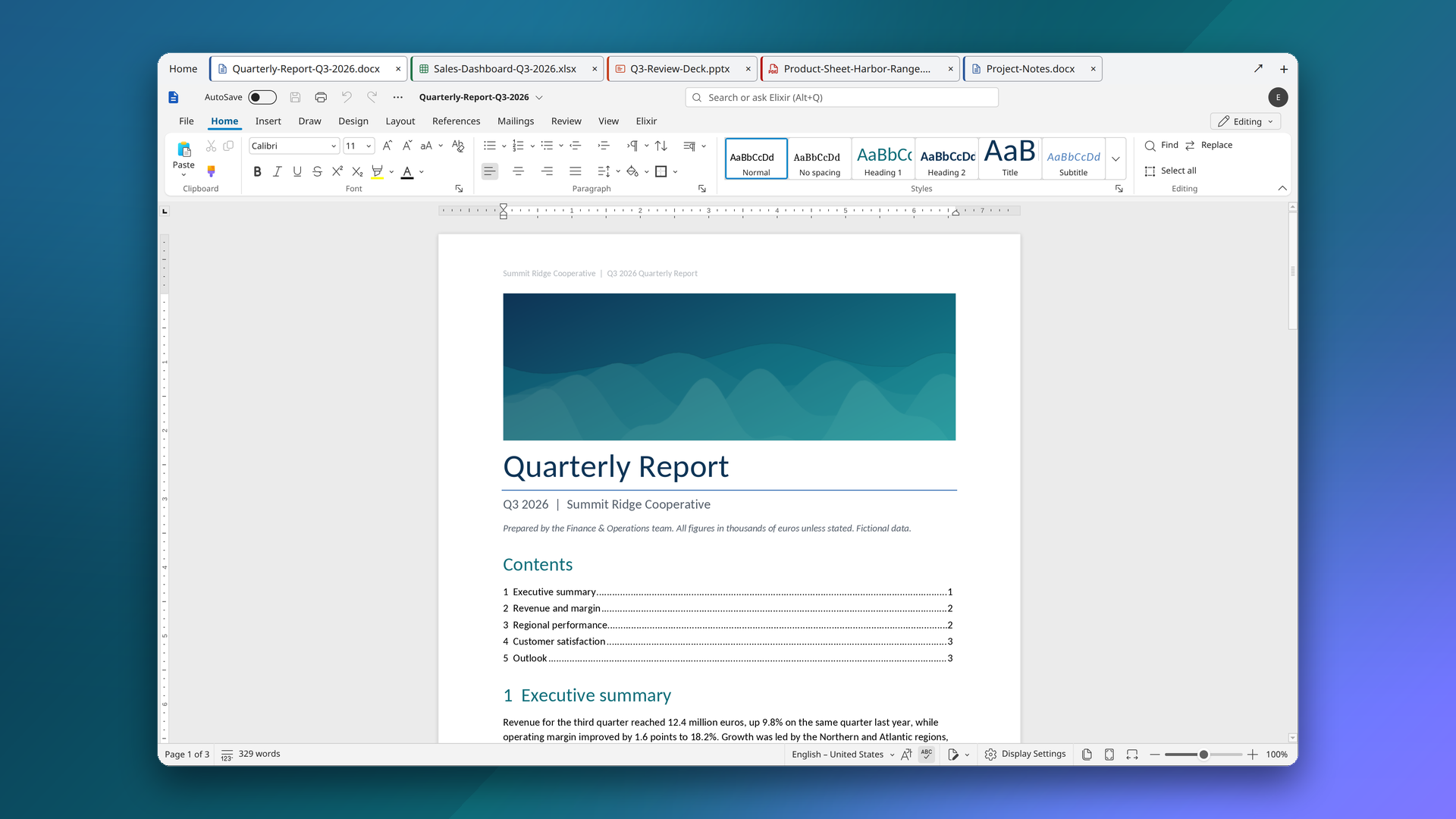
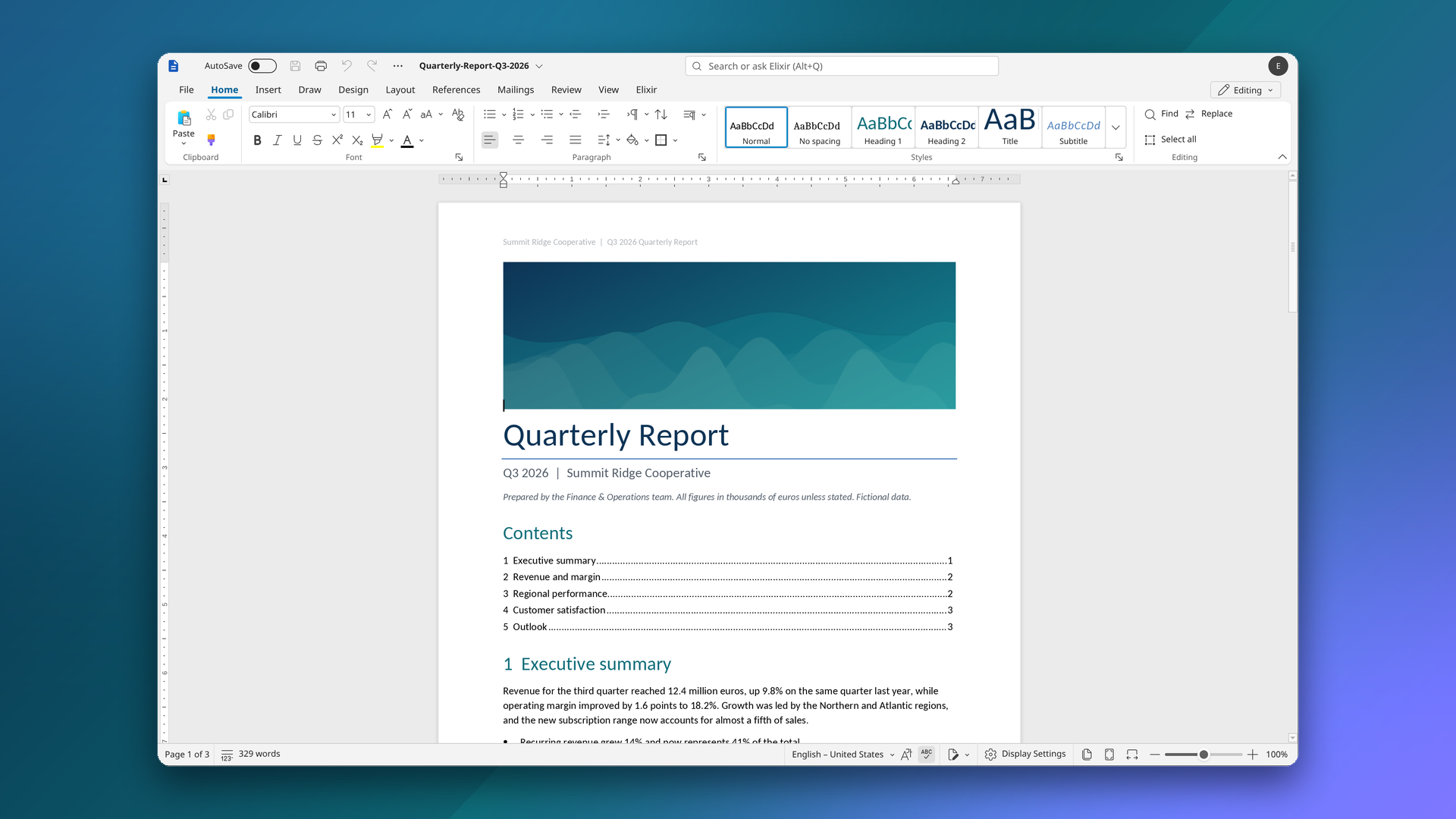
ElixirOffice with a report, a spreadsheet, a slide deck, a PDF and Markdown notes open in tabs
Feels like Office

Nothing new to learn

Home, Insert, Layout, Review. Every tab and button sits where you expect it, so you start working on the first click.

Word document with the Office-style ribbon
Spreadsheets

Charts that keep up with Excel

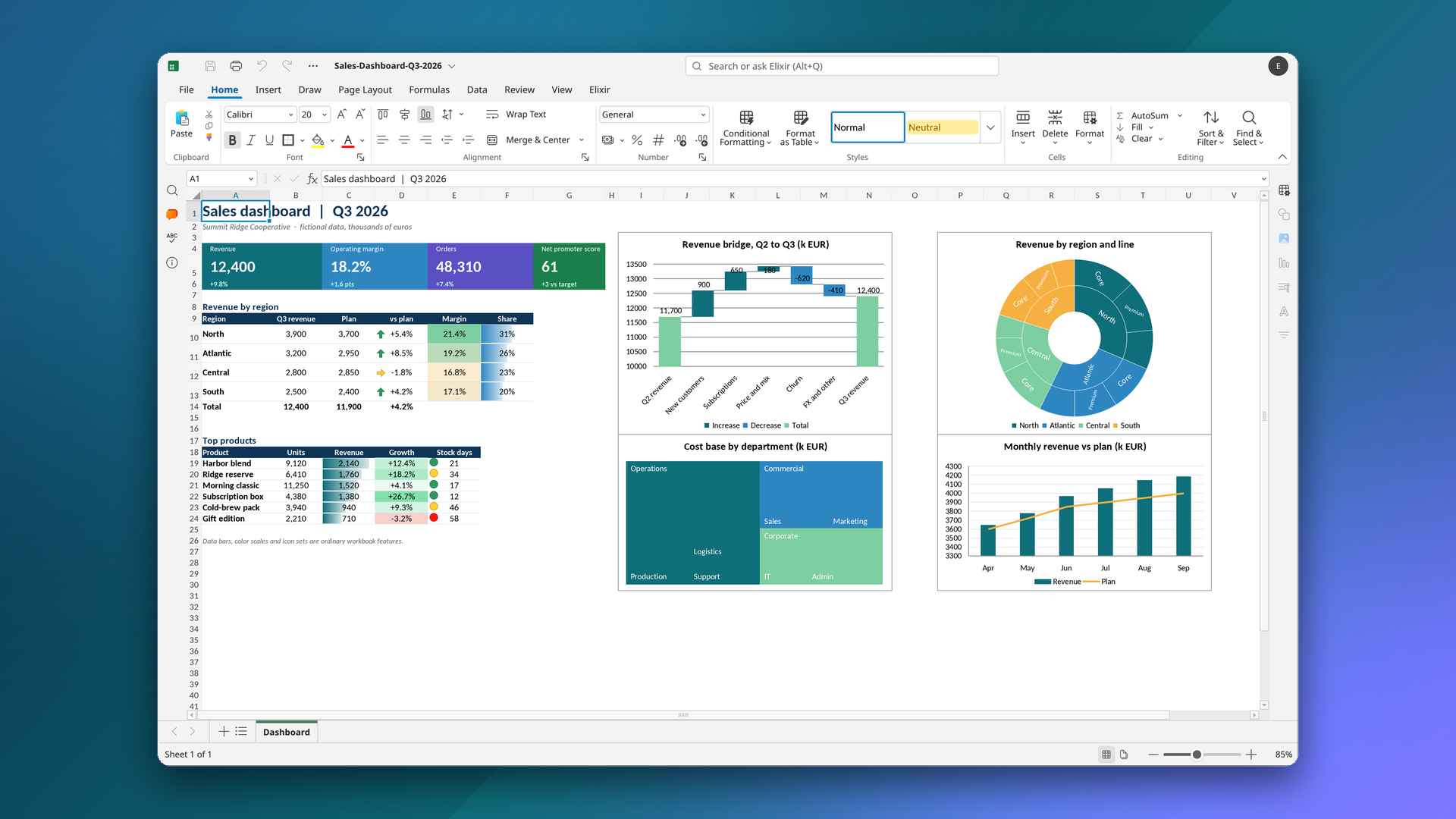
Waterfall, sunburst, treemap and combo charts open exactly as they were made, with conditional formatting and pivot tables.

Spreadsheet dashboard with waterfall, sunburst, treemap and column charts
Presentations

Slides that look designed

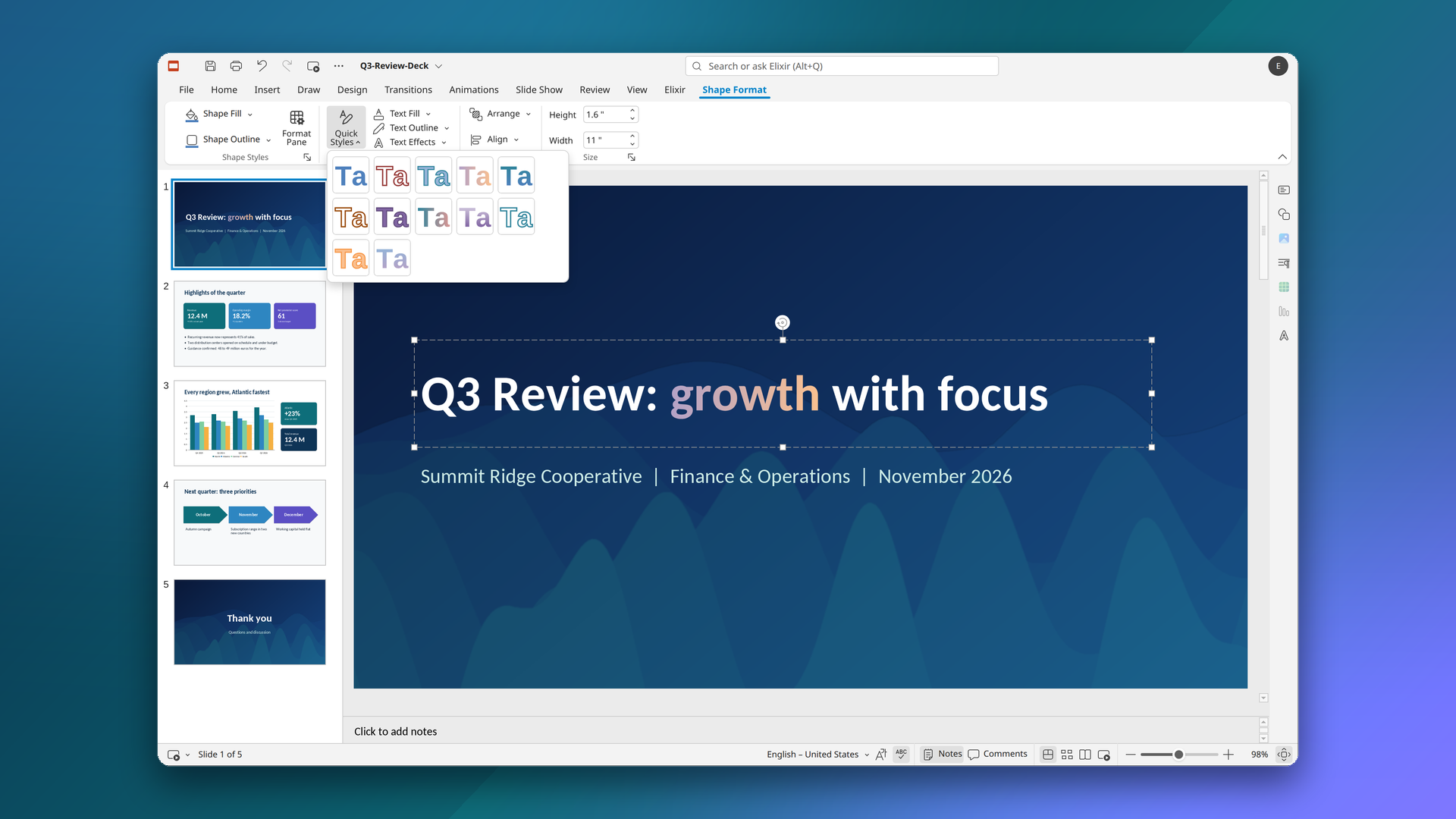
Themes, colour and font variants, and WordArt styles turn a plain title into a slide you are proud to show.

Slide with a WordArt title and the WordArt style gallery open
The little things

The features you missed are here

The small tools you reach for every day, built in from the first start.

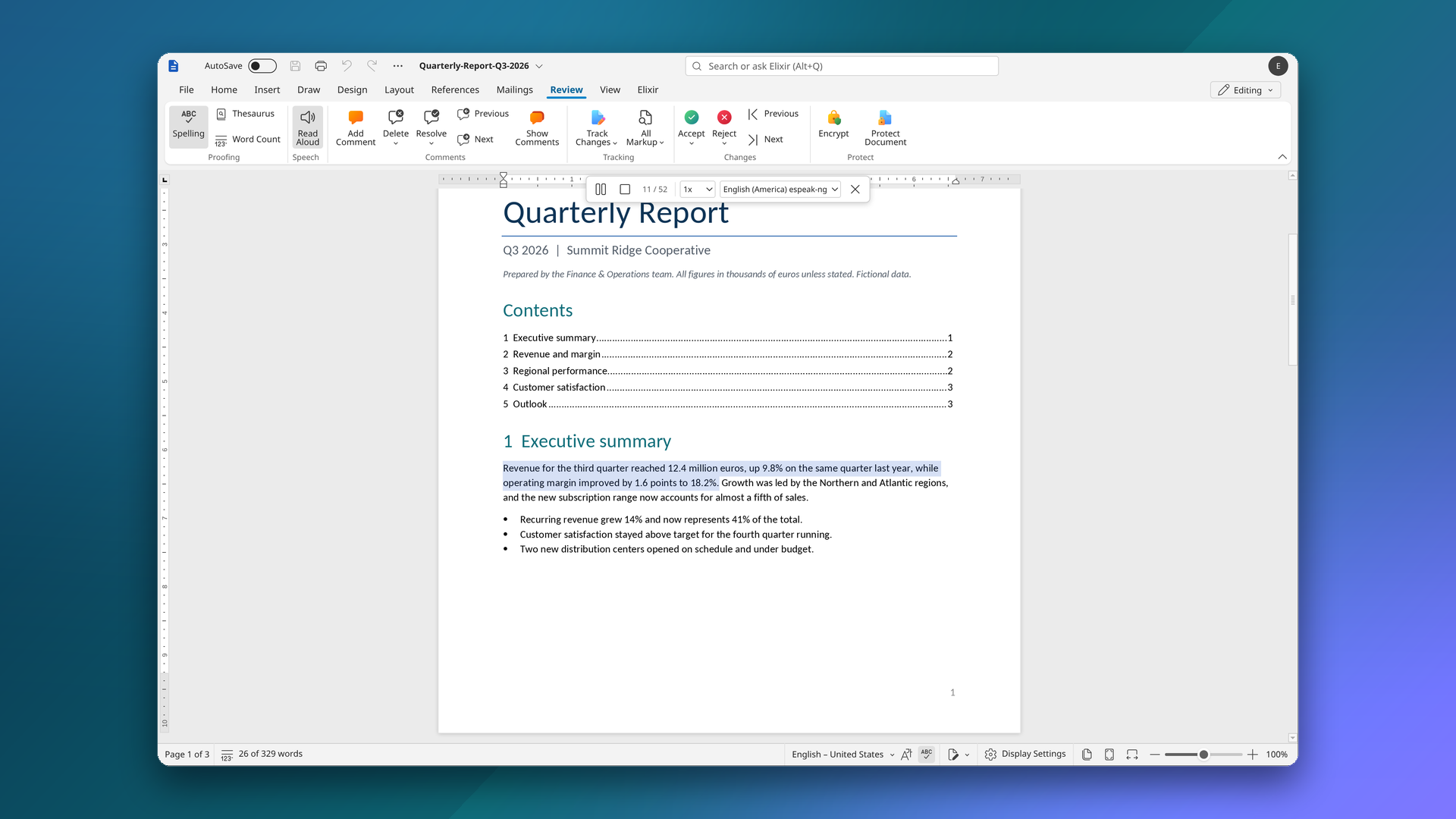
Read Aloud

Listen to your document in your system's voices. The sentence being read is highlighted.

Read Aloud highlighting a sentence

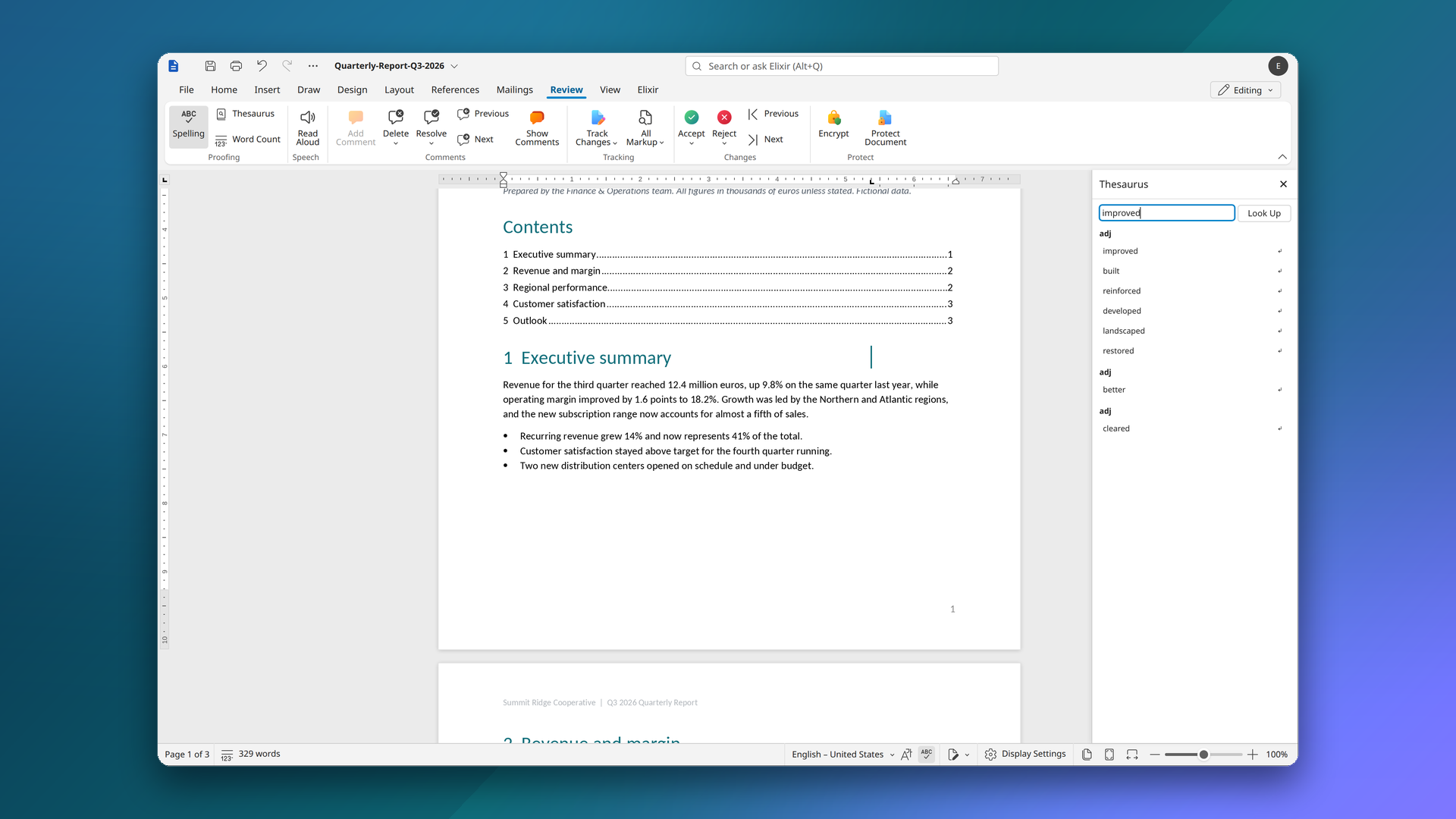
Thesaurus

Find the right word in a side pane, without leaving your text.

Thesaurus pane next to a document

Tabs and split view

Keep every document in one window, or two side by side.

Dark theme

Easy on the eyes for late work.

Sort and Word Count

Sort lists and tables, count words, just like in Word.

PDF and Markdown

Read and annotate PDF files. Write Markdown notes as a real document.

Export a copy

Save as PDF, OpenDocument, RTF, plain text or Markdown in two clicks.

AI on your terms

AI only when you ask for it

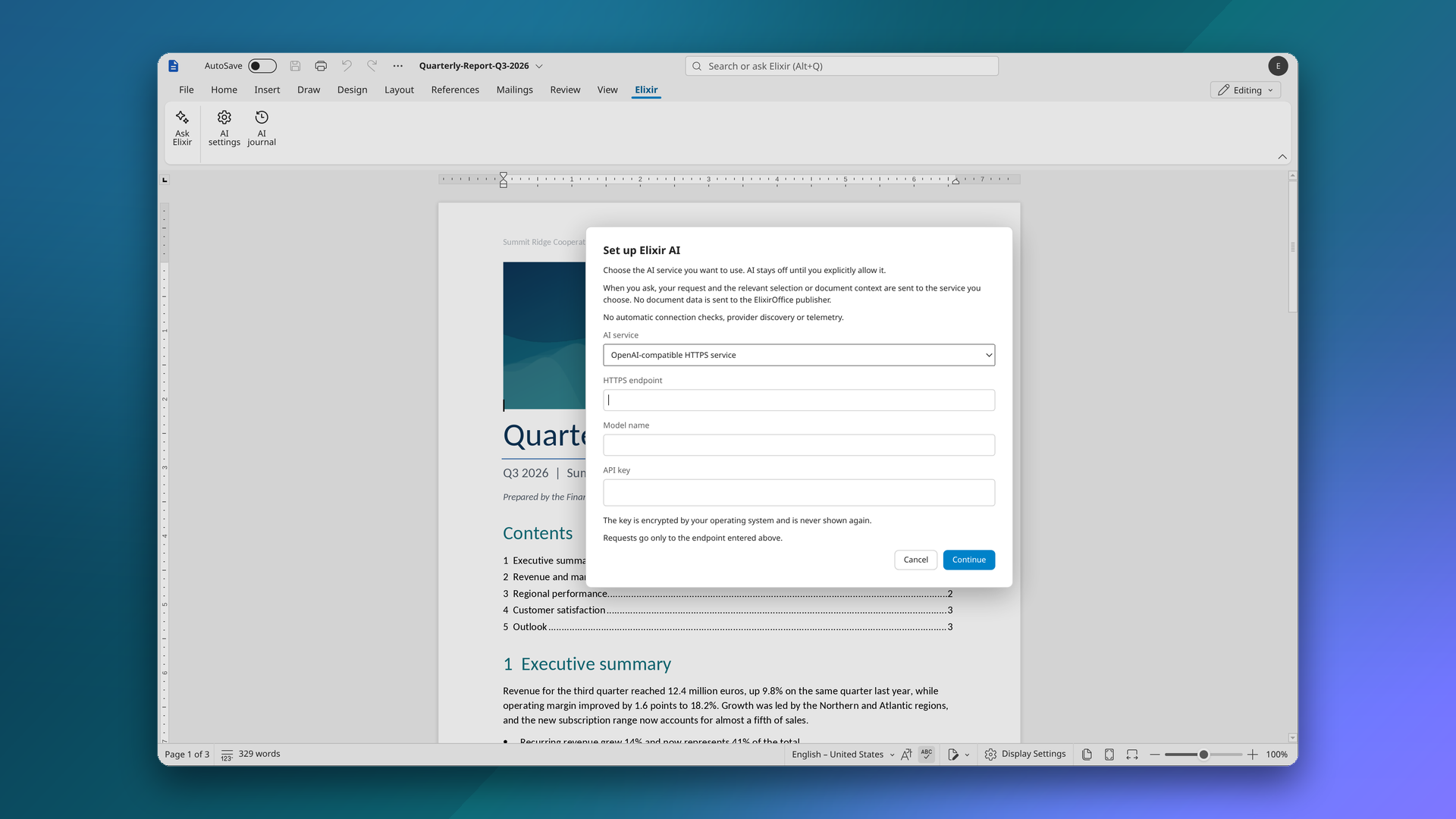
Ask Elixir stays off until you choose an AI service and allow it. Until then, nothing leaves your computer.

Ask Elixir setup dialog asking which AI service to use
Ask Elixir

Say yes, and your work gets faster every day

Connect the AI service you trust, including your local AI. Ask Elixir works right inside your documents: it writes formulas, cleans data, builds charts and drafts slides in seconds. You review every change, and one Undo takes it back.

Spreadsheets
Write a total formula
Wrote formulas in F2:F14
Make a chart from this table
Created a chart from B2:E14
Also: explain a formula, remove duplicates, fix dates and numbers, sort, filter, build a pivot table.
Presentations
Create a lesson outline on the water cycle
Added 6 slides
Shorten this slide
Rewrote 4 paragraphs
Also: summarize the deck, write speaker notes, apply layouts, align shapes.
Documents
Make this paragraph friendlier
Rewritten as tracked changes
Summarize this report
Summary ready to insert
Every edit shows as a tracked change you accept or reject.
Off by defaultYou choose the AI serviceSees only what you selectEvery change can be undone

See it in 30 seconds

45

languages, built in

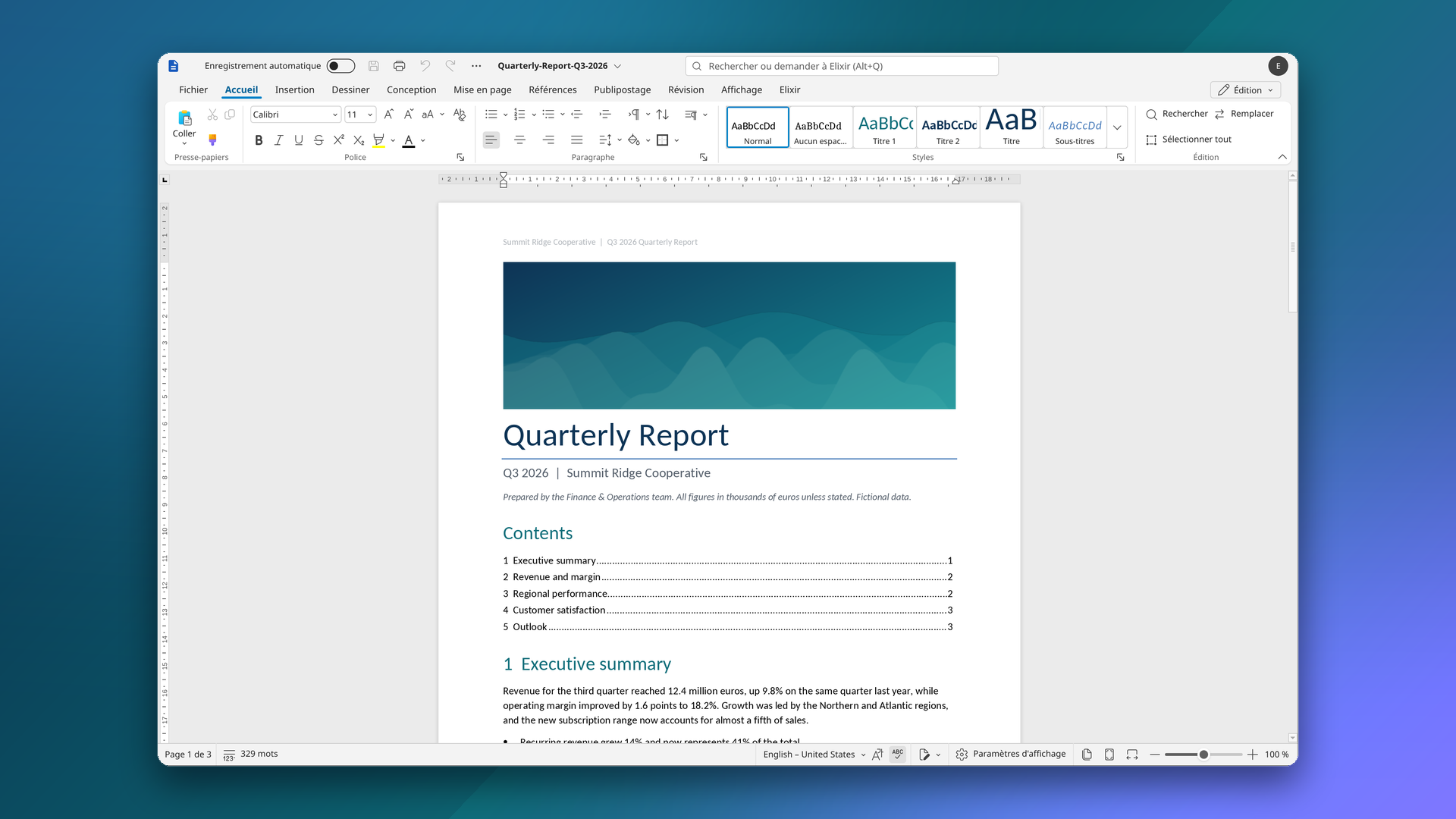
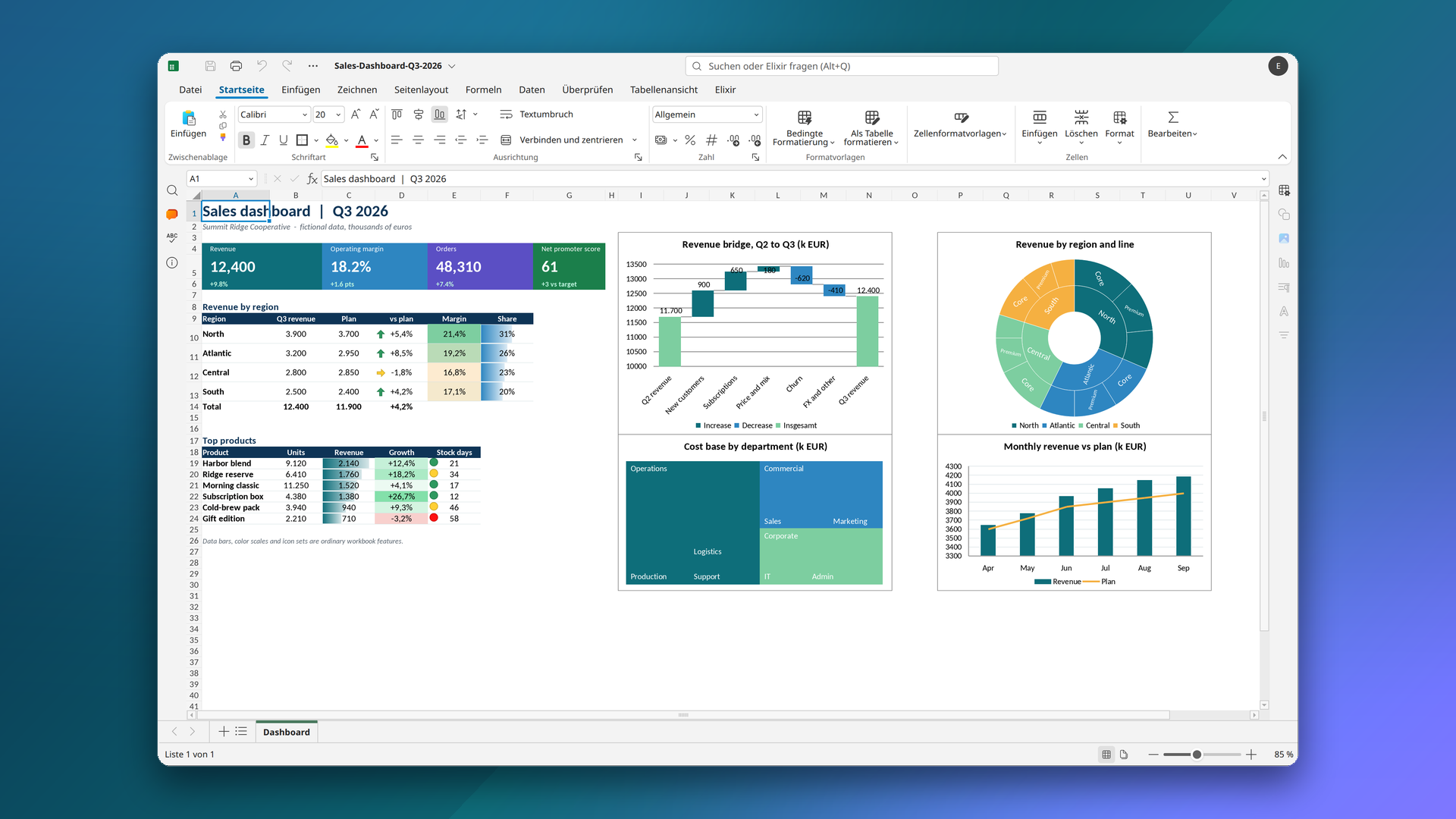
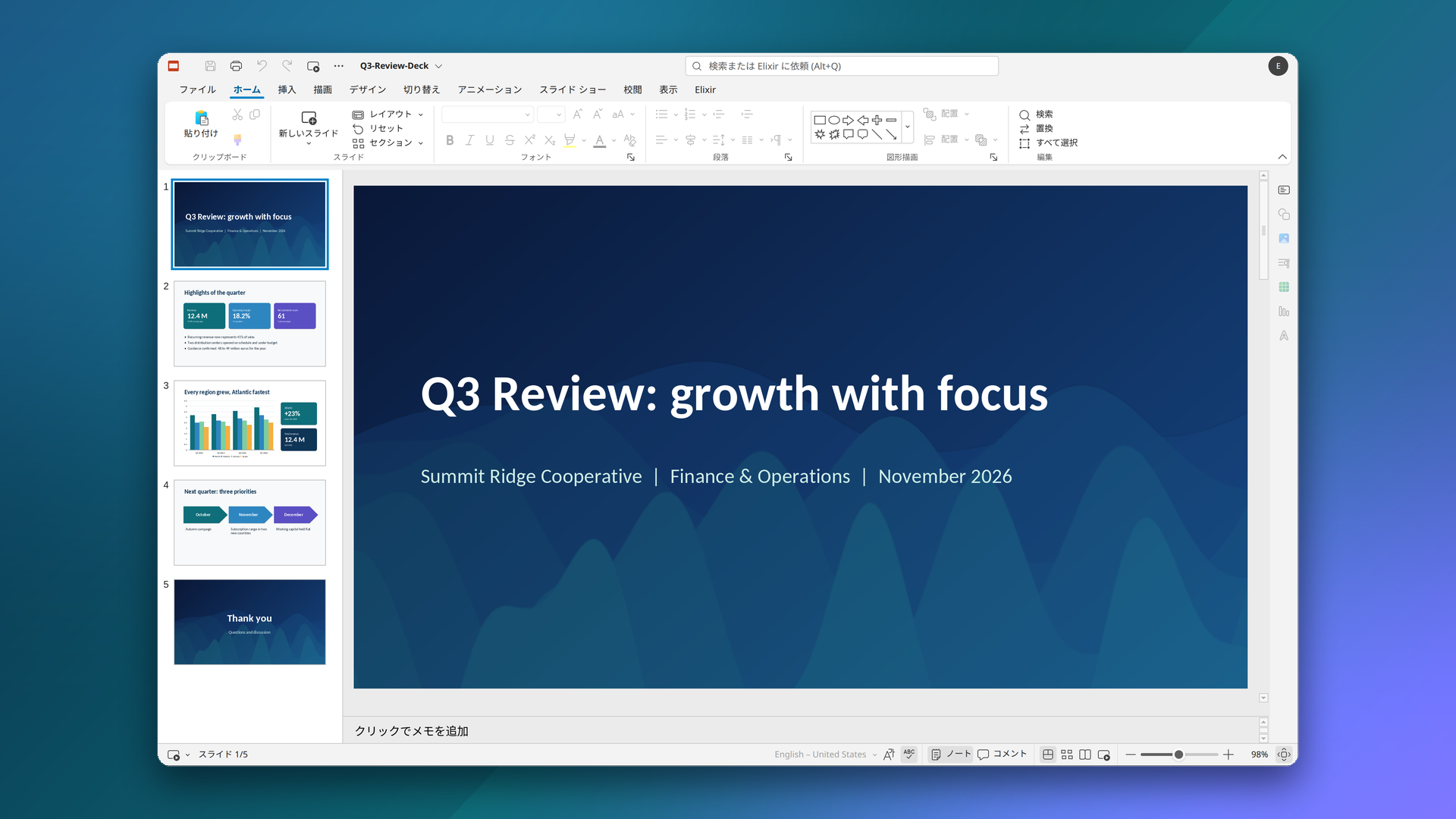
Pick your language at first start. Menus, dialogs and the spell checker follow.

Word editor in French
Français
Spreadsheet editor in German
Deutsch
Presentation editor in Japanese
日本語
Build it with us

Tell us what you need

Missing a feature? Ask for it. Found a bug? Report it. We read everything and fix fast. Together, let's make the best office suite ever made.

Download ElixirOffice. It's free.

One app for documents, spreadsheets, presentations, PDF and Markdown. Updates arrive signed and verified.

Open sourceNo account neededWorks offlineSigned updates